/v1) with their own Project API keys.
Sign in
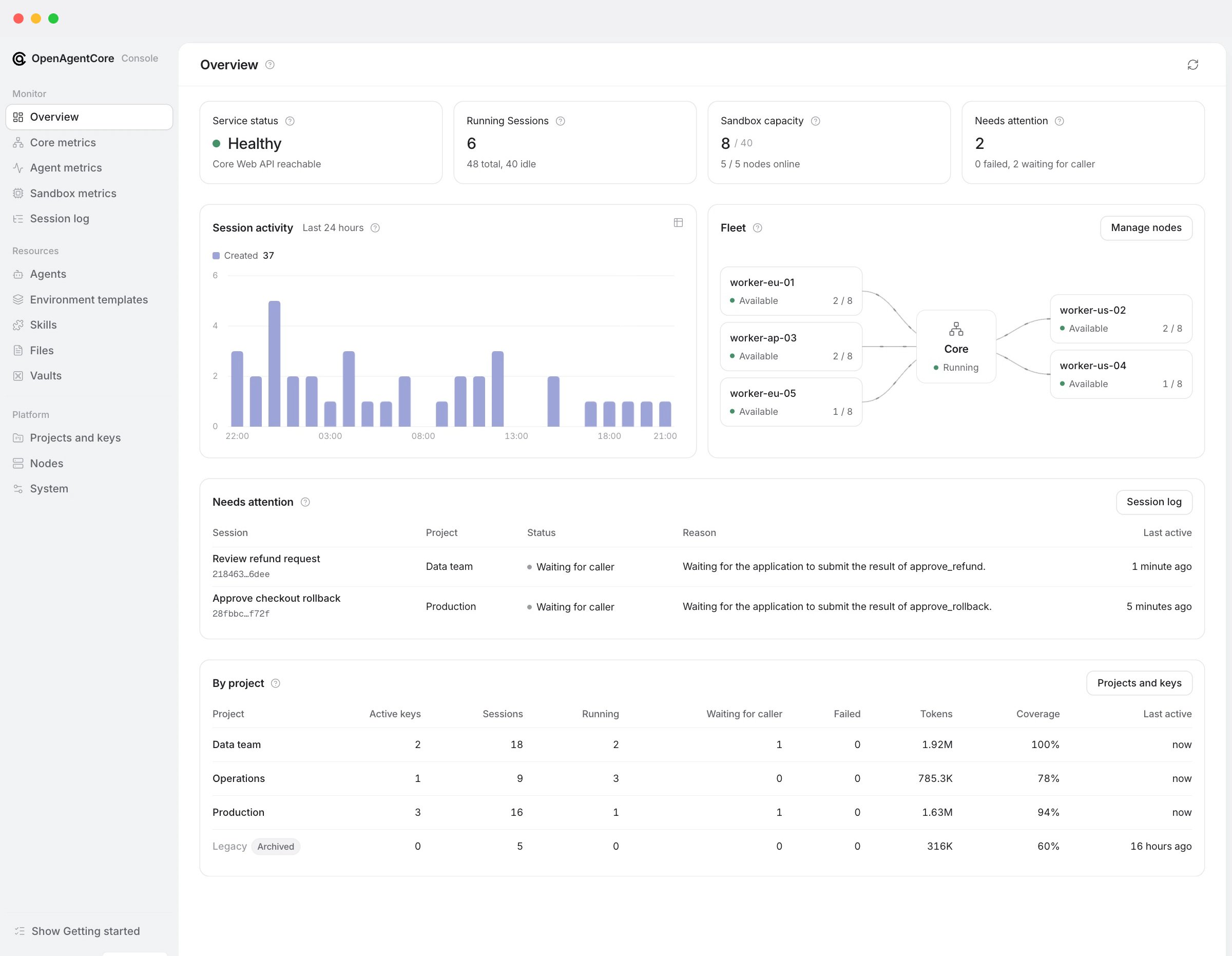
Sign in with the deployment’s Core key; the console has no user accounts. The browser keeps only a session cookie, and the console server sends the Core key to Core on its behalf; sign-in describes how long a session lasts. Signing in opens the Overview. While any step is still to do, its Getting started checklist leads through four steps in any order: sandboxes ready, a default model provider, a Project with an active key, and a first Session. An optional tour of the console opens from it.Console pages
Missing data is shown as missing (—), never as zero. Console API usage lists what each page reads and how its figures are bounded.
What administrators do here
Installation creates no Project or key. Opening the console neither allocates compute nor calls a model, and an installation may have zero nodes. Web never starts a Session or sends input. Archiving a hosted Session requests cancellation and reclamation; administrator authority state what administrators can and cannot do.
The deployment’s sandbox backend serves hosted Sessions. An application’s
self_hosted Runtime, including one in its own E2B account, is a separate path that the sandbox configuration does not change.
A loopback public address (local_only) keeps nodes and remote applications from reaching Core. The console stays reachable at its own address and warns about it.
More
- Console server: request boundary, sign-in, settings and verification.
- Console API usage: the Core routes each page uses.
- Web package: developing the console.
- Administrator API: the
/core/v1routes behind the console.